
Managing Ecosystem Settings
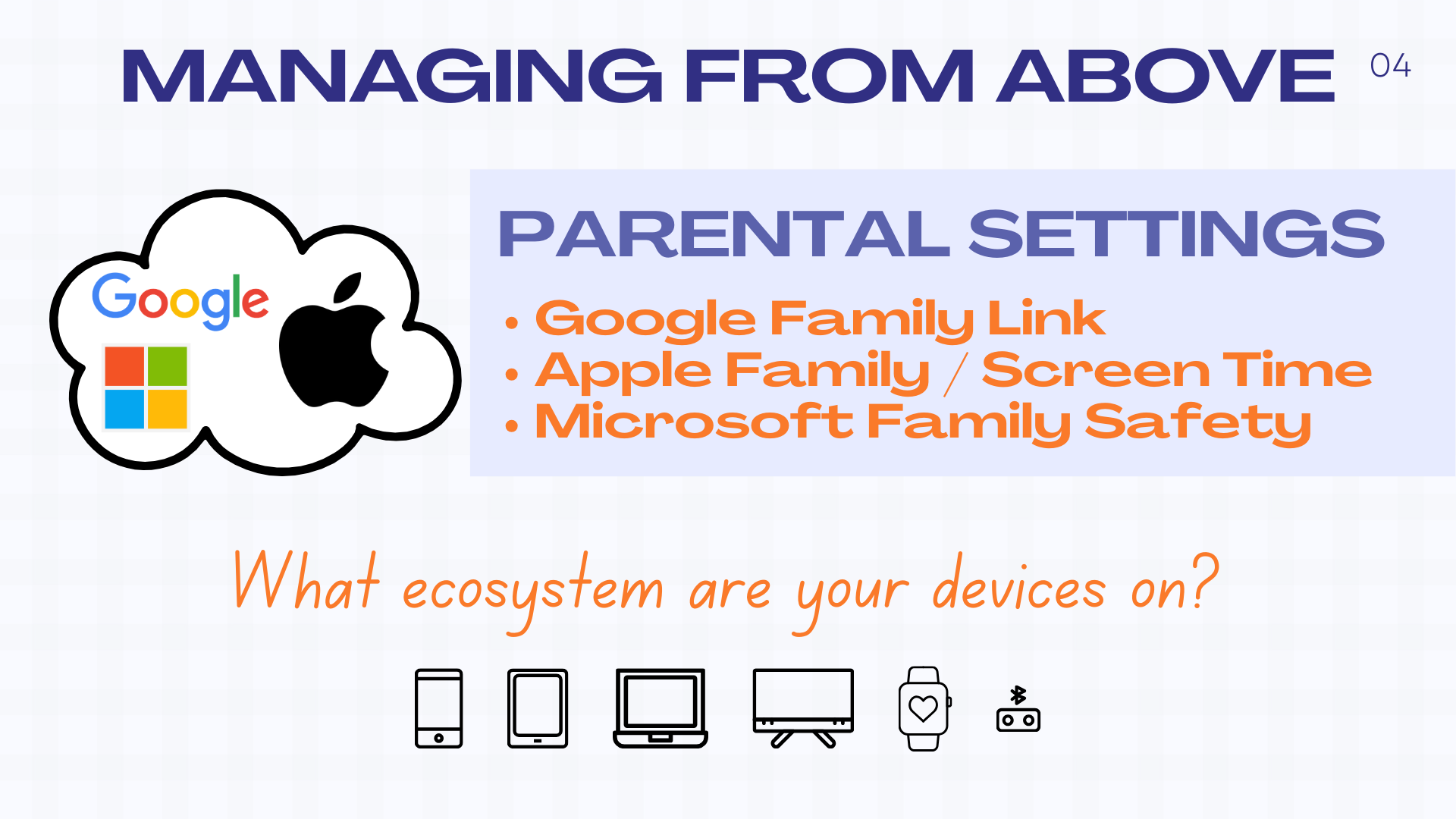
Google, Apple, and Microsoft all allow you to set up a family with parental control over the settings for child devices. Here are some set-by-step guides for each:
Apple: Written guide | Video guide
Google: Written guide | Video guide
Microsoft: Written guide | Video guide
Monitoring Software
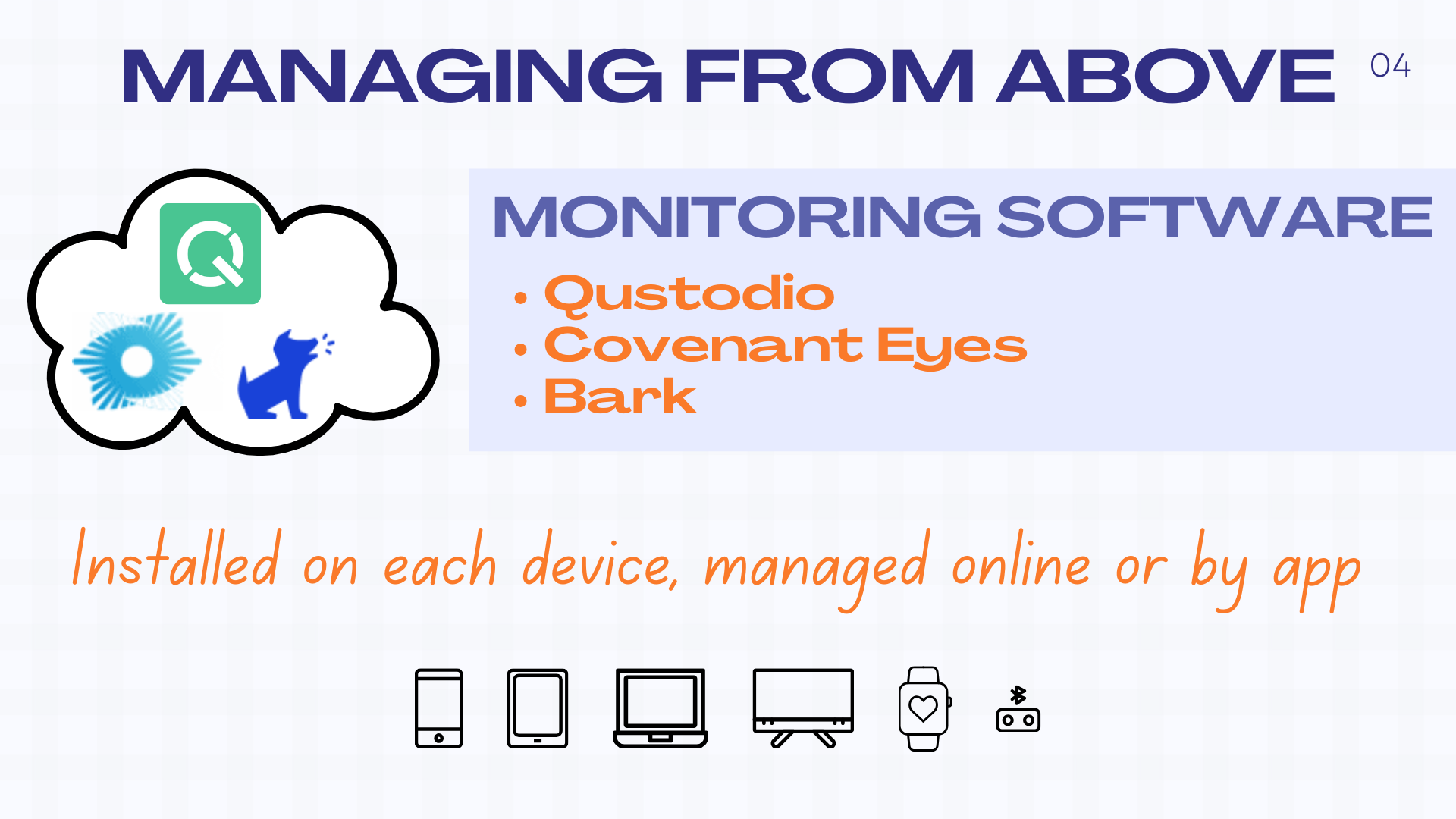
For more powerful features like pornography detection, text-message flagging, disabling access to phone settings, and for web-filtering across different ecosystems, you can pay for monitoring software. It does require installing on each device, and can sometimes clash with school networks and other software. But it does give a level of detailed protection and monitoring that ecosystem parental controls cannot provide.
Formation Resources
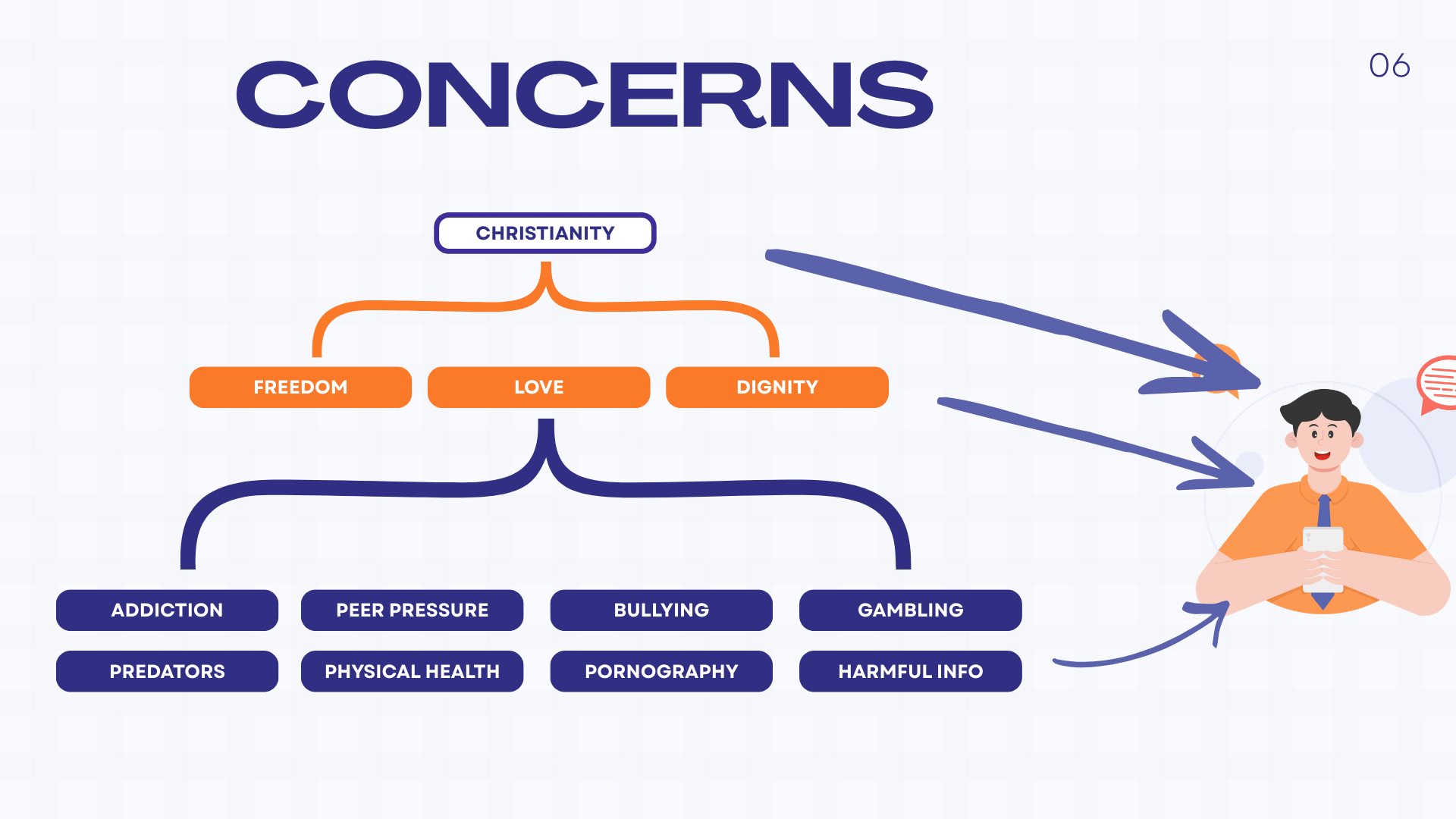
In this seminar we suggested parenting for “formation not fear”, meaning that we want to bring our teens into the conversation about managing devices and use it as an opportunity to share the values and worldview behind our concerns.
If you would like to explore the Christian worldview further, here are some options:
Introduction to Christianity: Guide | Video Course | In person
Church: Join us Sundays | Church Online | Podcast
Other Resources
A great help in the formation of your child is a local Christian youth group where your teen can be strengthened and encouraged by other teens heading a good direction, find young-adult role-models, and learn a worldview and values that helps them manage all of life with balance and purpose. Find out more about the PAC Youth Group here.
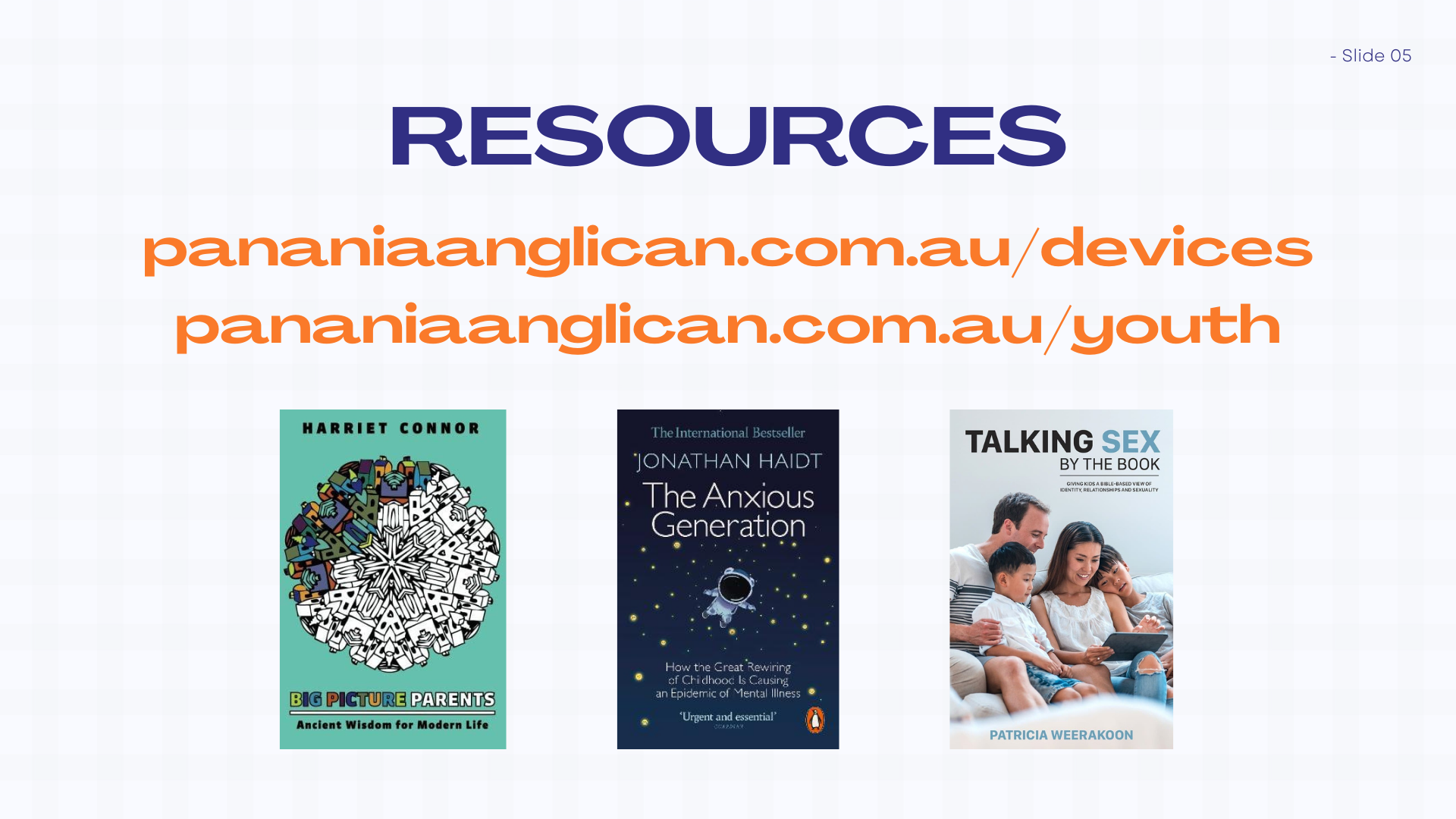
You’ll also find some formative parenting books here:
Big Picture Parents | The Anxious Generation | Talking Sex
And sites related to our other seminar hosts here:
Manging Router Settings
Routers are like black magic, with varying features that aren’t very user-friendly. But some of their settings can be very useful.
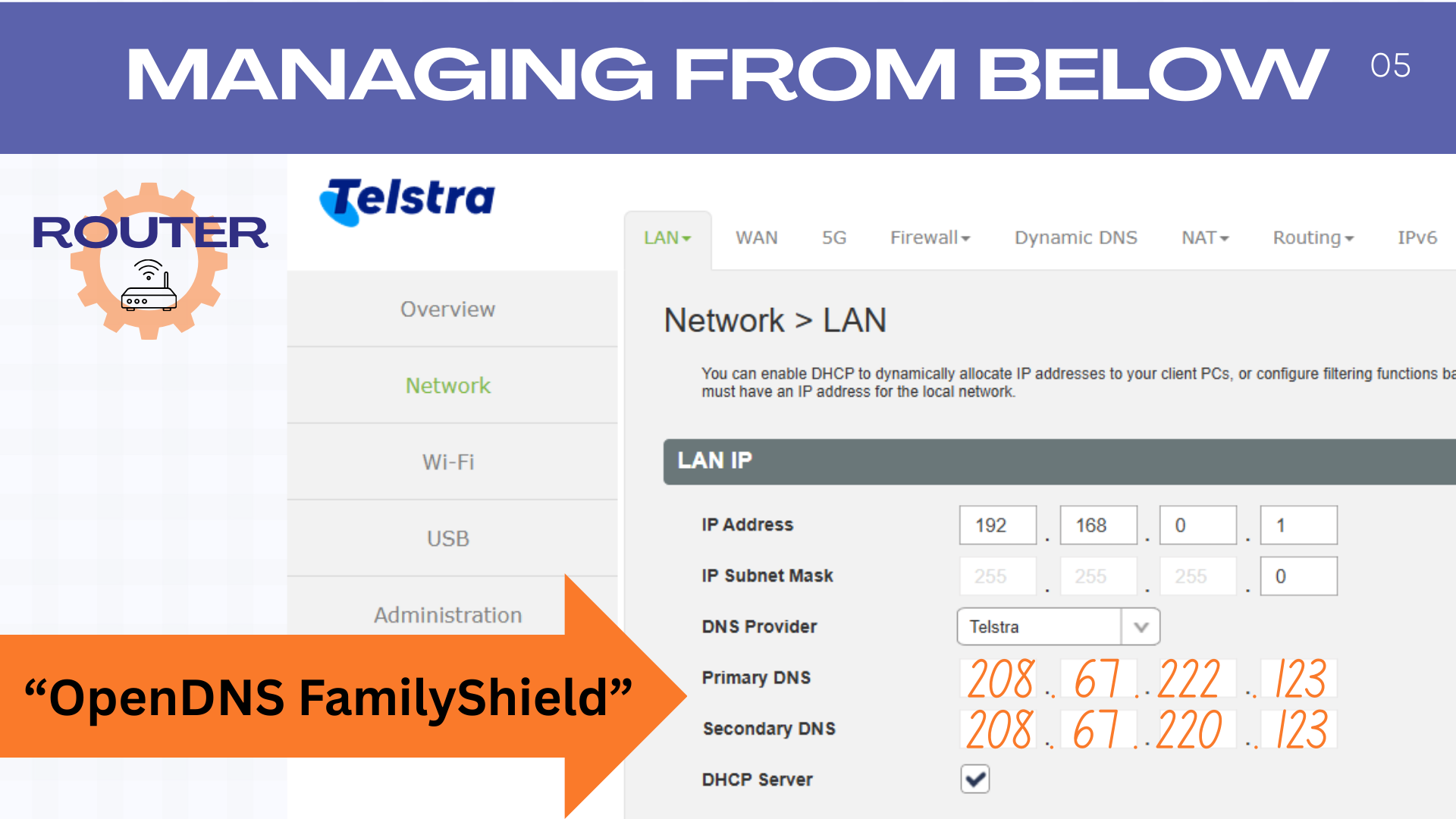
Setting a family-friendly DNS server that stops devices in your house accessing harmful content over Wifi. Head to OpenDNS FamilyShield for instructions. Note that some routers don’t allow access to DNS settings.
Disable VPNs (Virtual Private Networks) like NordVPN, ExpressVPN, and OpenVPN that can be used to get around other network restrictions. Here is one example for doing this on a TP Link router. You should also prevent VPN apps being installed on devices by requiring permission for all app installs on your teen’s device.